
Choose one list
Uncarry shows writable Apple Reminders lists with their source and never selects one automatically.
A nightly closeout for Apple Reminders
Uncarry turns one reminder list into a deliberate end-of-day decision. Set a finite minute budget, decide each unfinished item, and finish with a verified tomorrow plan.
ONE REAL CLOSEOUT INCLUDED · THREE-ITEM SAMPLE ALWAYS AVAILABLE
The closeout
Uncarry is not another task database. It gives one existing list a clear ending, then writes the reviewed decisions back to Apple Reminders.
Uncarry shows writable Apple Reminders lists with their source and never selects one automatically.
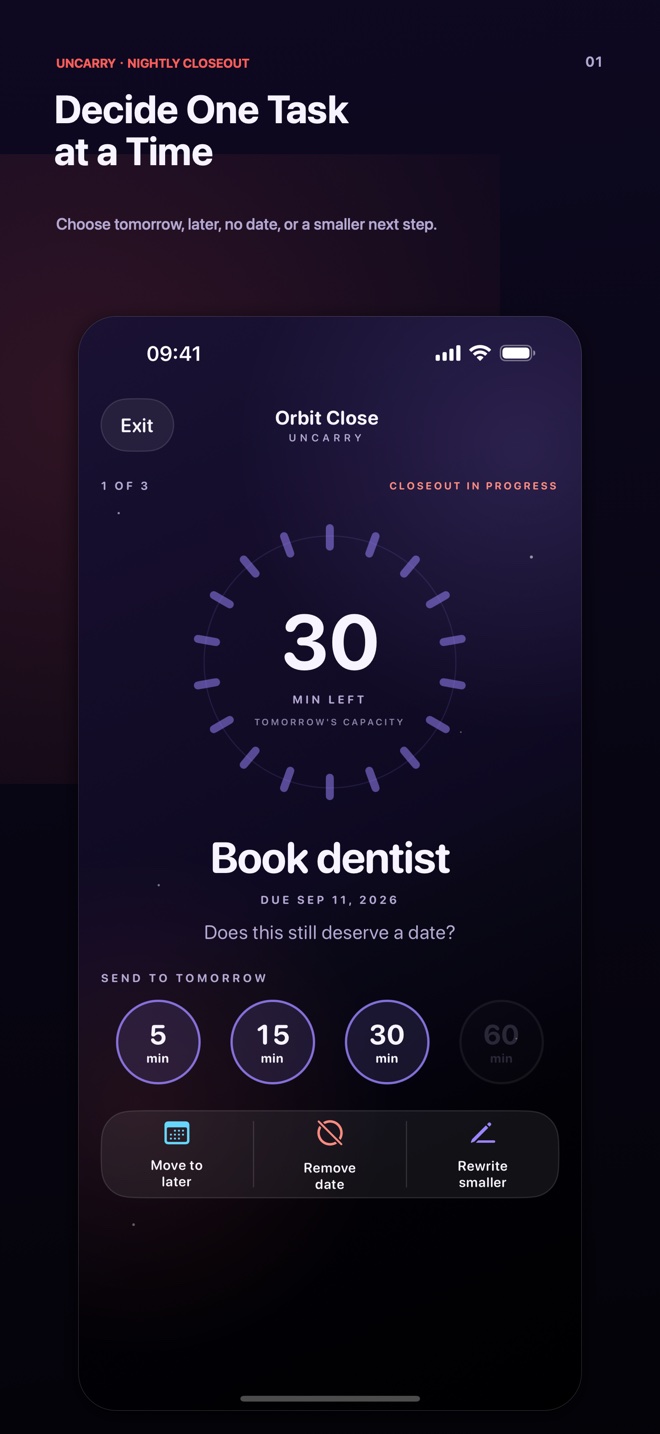
Choose 30, 60, 90, or 120 minutes before reminder titles appear, so the limit comes before the backlog.
Move it to tomorrow or later, remove its date, or rewrite it as a smaller next step.
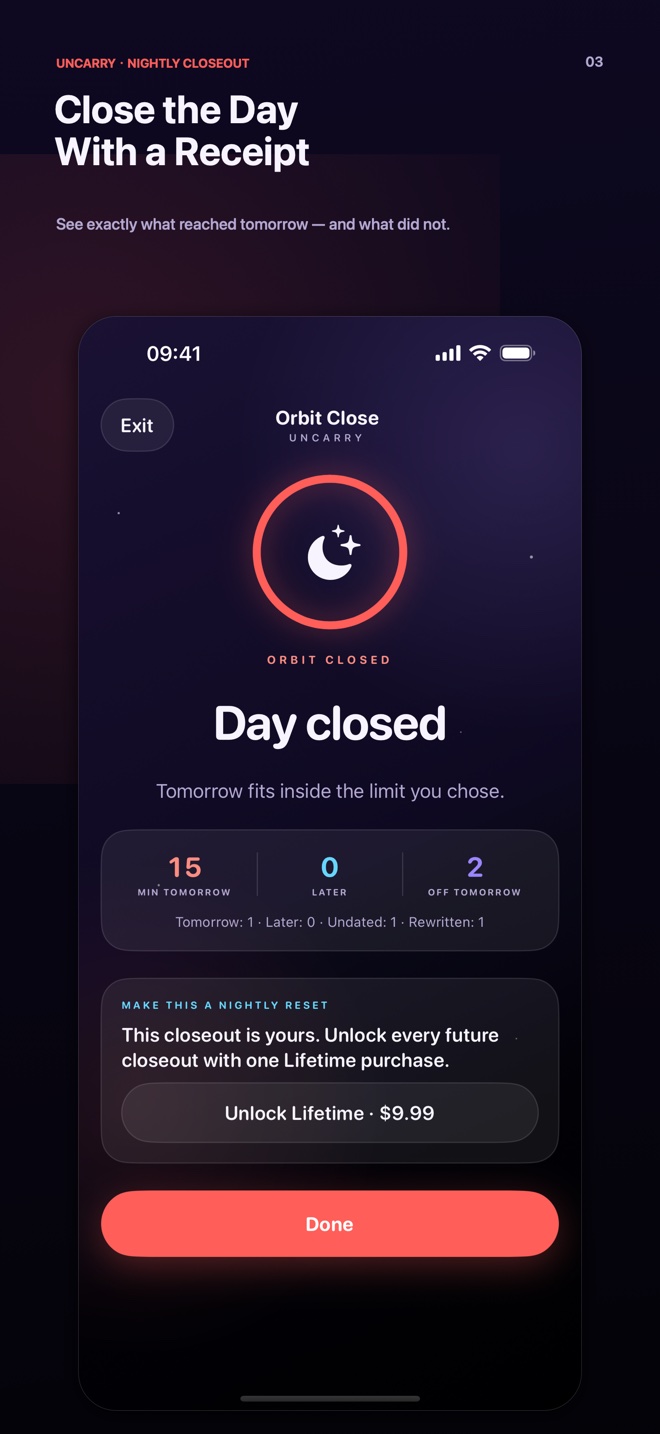
See the whole batch before anything changes. Keep the verified result or undo the exact changes.
A hard safety boundary
Uncarry reads incomplete, non-recurring reminders due today or earlier from one explicitly selected writable list. It never deletes reminders or marks them complete.
An on-device recovery journal protects the exact originals during a save. If a newer edit exists elsewhere, Uncarry refuses to overwrite it.
There is no Uncarry account, advertising, third-party analytics SDK, cross-app tracking, or remote AI. A one-time anonymous purchase-interest count is disclosed in the full Privacy Policy.
The three-item sample and first completed real closeout are included. A one-time Lifetime purchase unlocks future real closeouts; Apple shows the final price before confirmation.